
Replies to customers
Ella drafts replies in your style for emails, texts and messages from Facebook and Instagram.
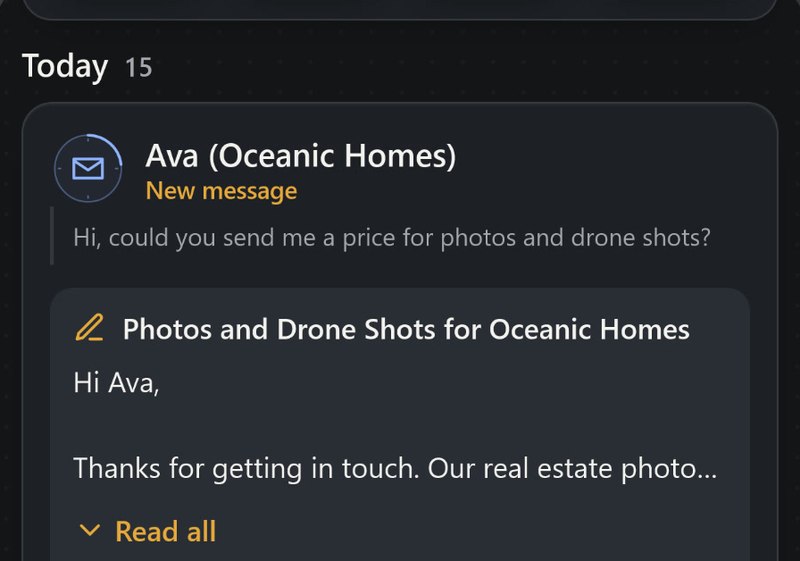
Ella drafts replies, follows up invoices and keeps your jobs on track.
Start free trial Get it on Google Play7 days free, no card needed. Then from A$29 a month until cancelled.
Early bird
AdminMate (Office AI by GLV)
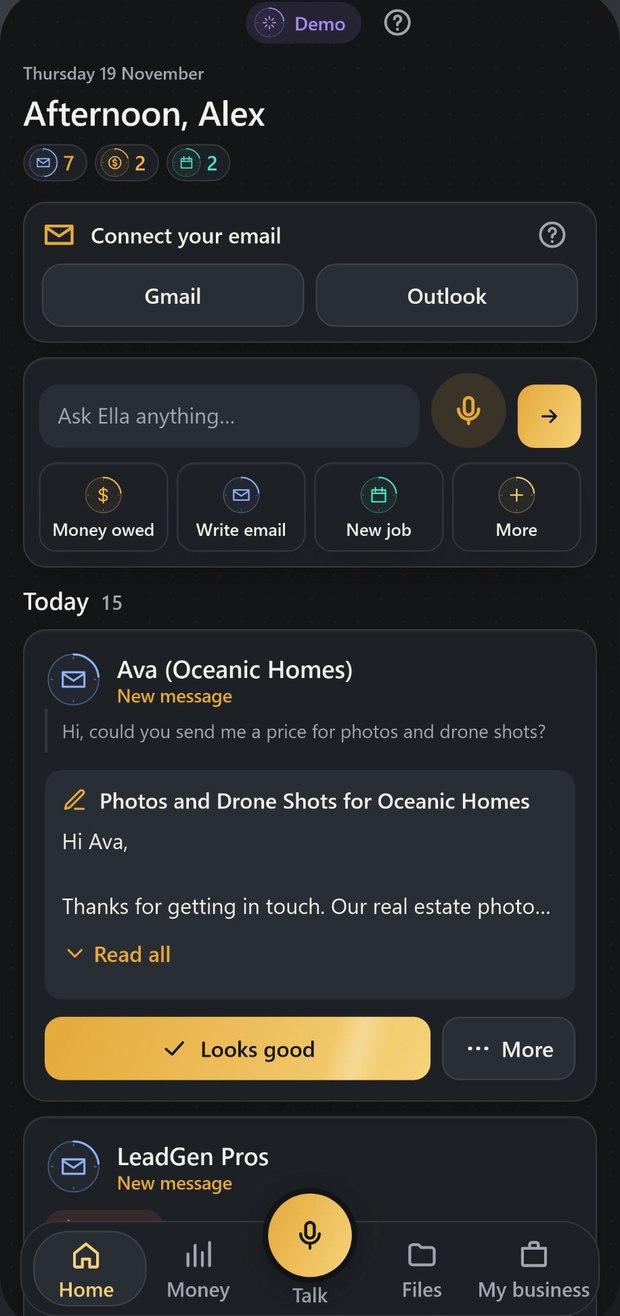
Ella drafts replies in your style for emails, texts and messages from Facebook and Instagram.
See who still owes you money. Ella drafts a polite follow-up for unpaid invoices.
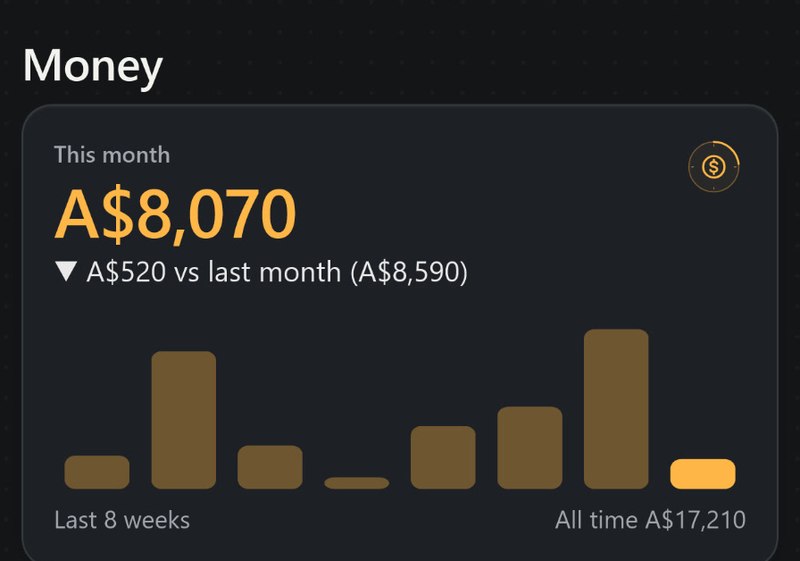
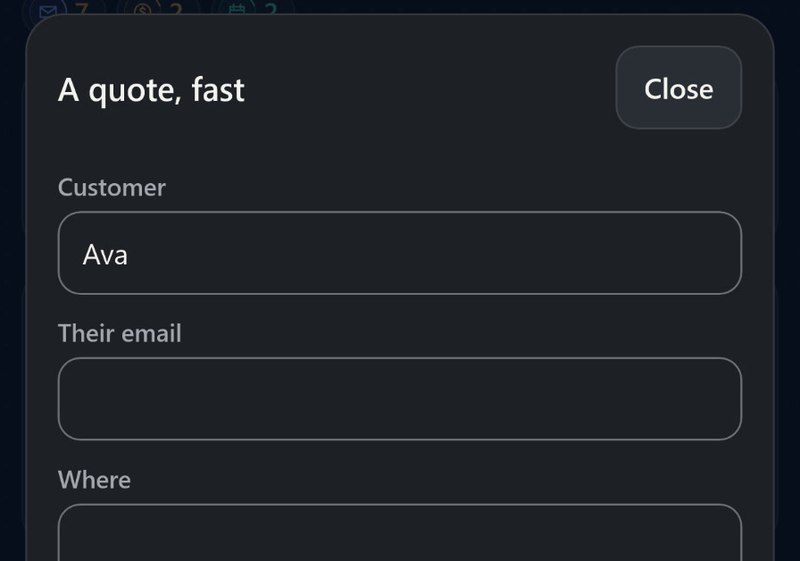
Prepare quotes from your own prices, keep track of jobs and see what’s booked next.
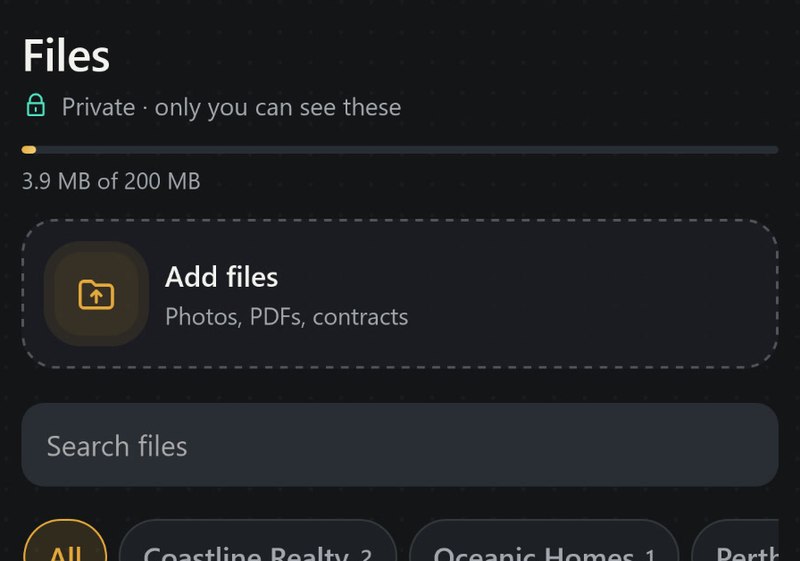
Drag in a file and Ella reads it. Ask her a question about it when you need a detail.
Ask Ella for help by voice in English, Mandarin or Cantonese.

Use your email, Google or Microsoft account and choose a plan.
Connect Gmail or Outlook so Ella can find customer emails and draft replies.
Send from your own address. You can also turn on autopilot for routine emails, with time to stop each send.
Every plan includes the voice assistant and long-term memory. Each business can connect one Gmail and one Outlook mailbox. Eligible businesses get a 7-day free trial. Prices include GST.
Early bird
A$29 / month
1× allowance · 60 voice minutes a month · you confirm every email
Start free trialA$69 / month
Everything in Starter, plus 3× allowance, 180 voice minutes and optional Autopilot for routine replies and payment reminders.
Start free trialA$149 / month
Everything in Standard, plus 7× allowance, 420 voice minutes, all Autopilot options and priority help.
Start free trialTry free for 7 days, then from A$29 a month. Card needed; cancel before the trial ends and you pay nothing. Renews monthly until you cancel. Go to My business → Plan → Manage billing to cancel.
Saved message text, drafts and notes are encrypted with a key for your business.
Review the recipient and message on the confirmation screen before sending. Autopilot is optional.
We never sell your data or use it to train AI models.
Delete your workspace and its data whenever you choose.
When you connect Gmail, you choose which permissions to grant Office AI.
Disconnecting removes AdminMate’s saved access to Gmail. Saved workspace records remain until you remove them or delete the workspace. We do not sell this data, use it for advertising or use it to train AI models. Our use and transfer of information received from Google APIs follows the Google API Services User Data Policy, including the Limited Use requirements.
Disconnect anytime in Office AI or remove access in your Google Account settings.
It’s an AI office assistant for small businesses. Ella drafts replies, follows up on invoices and keeps track of jobs.
No. By default you review and confirm each send. If you turn on autopilot, only the routine emails you’ve selected can go out automatically, after a wait in which you can stop them.
We encrypt saved message text, drafts and notes with a key for your business. You can delete your workspace at any time.
AdminMate connects to Gmail and Outlook.
You can use AdminMate on iPhone, Android and the web. See download options.
Yes. Use AdminMate in English or Chinese and speak to Ella in English, Mandarin or Cantonese.
Go to My business → Plan → Manage billing. Cancel before the 7-day trial ends and you pay nothing.